SEO Health Checker Meta Tags
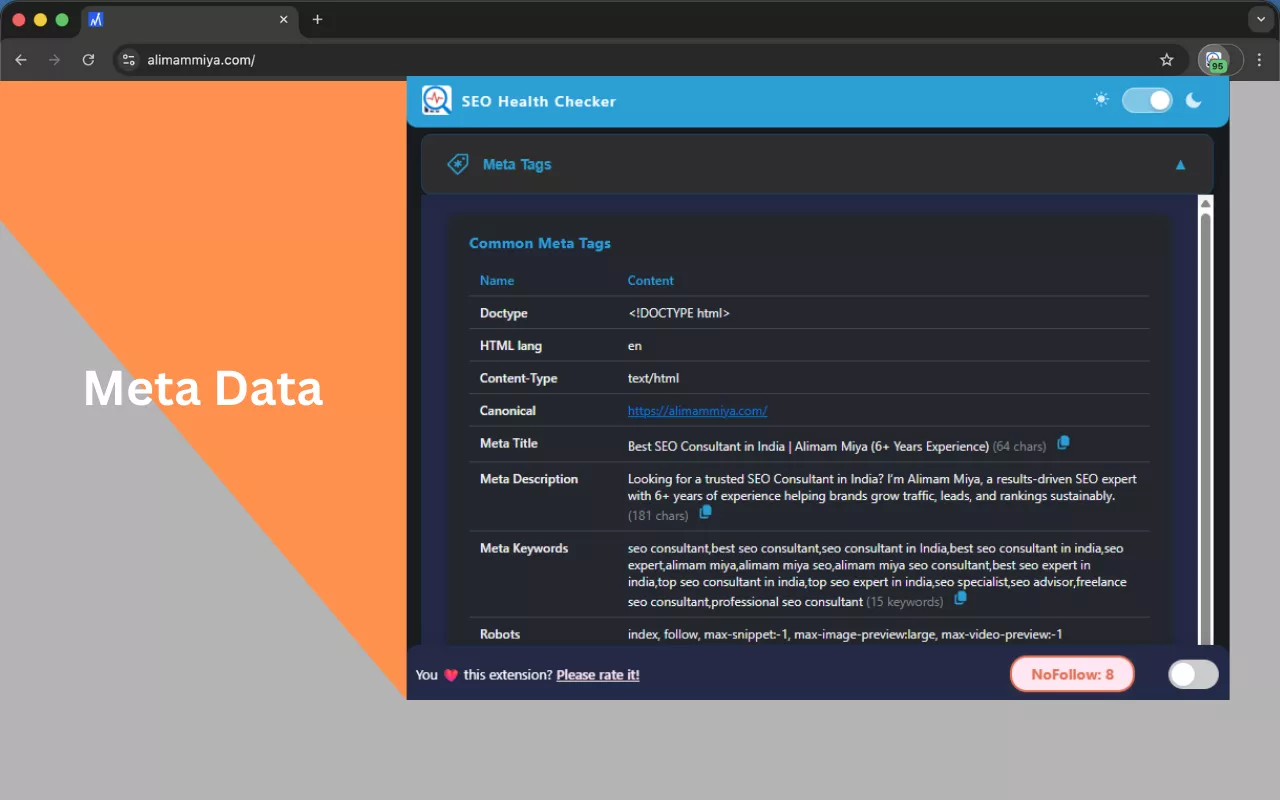
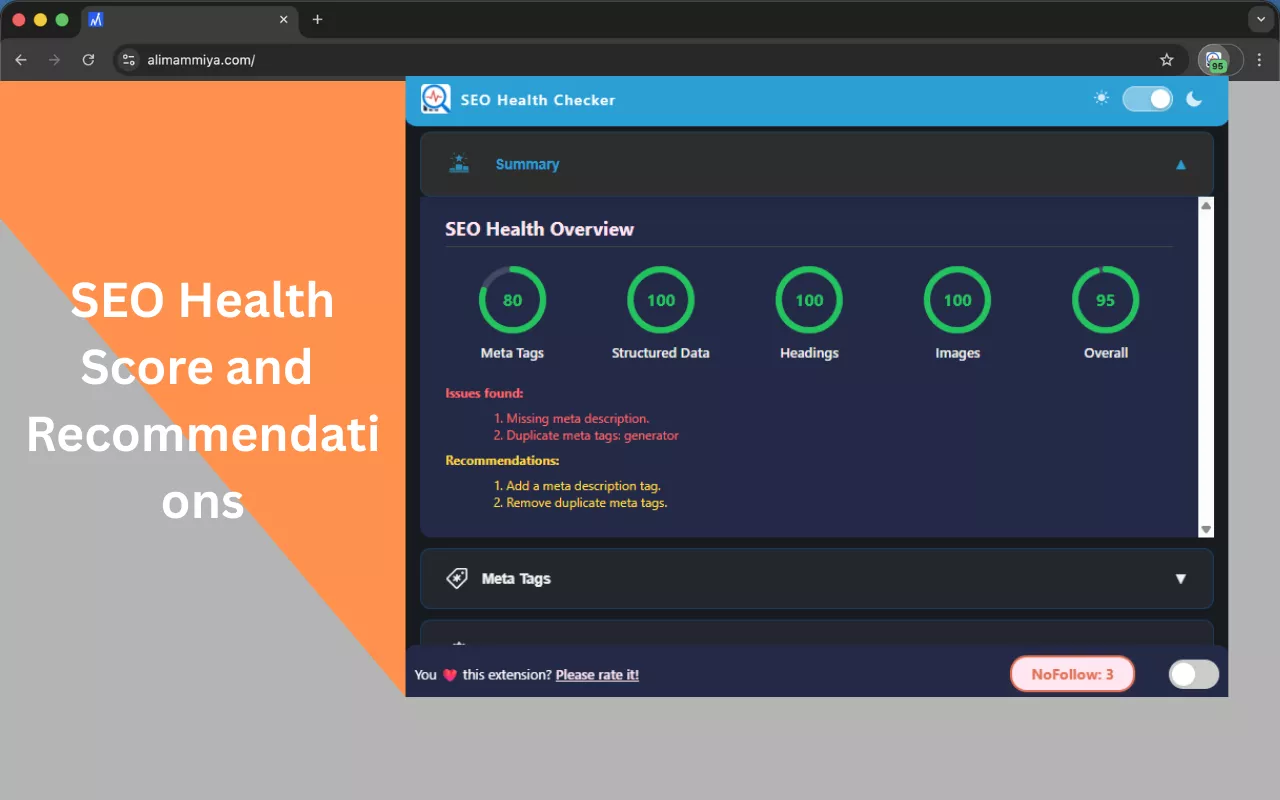
The meta tag analysis feature of the SEO Health Checker covers one of the most basic but very commonly missed aspects of SEO optimisation. Despite changes in search algorithms, meta tags still hold great influence over SEO in 2026. Mostly, it is the title tags since they work as strong relevance signals and have a great impact on click-through rates.
Our SEO Health Checker Chrome Extension lets you easily fetch and view the most relevant meta tags on any webpage. As such, it provides website owners, blogs, SEO specialists, and developers a convenient means to see how a page is structured and how it is presented to search engines and social media sites.
Instead of manually checking the page source, this tool extracts and organises the metadata you need and presents it in a user-friendly manner.
Which Meta Tags Are Identified By This Tool?
These tags dictate the fundamental structure, indexing, and overall responsiveness of a webpage.
- DOCTYPE and HTML language Meta Tags- Ensure the correct structure and language is declared
- Content-Type- This meta tag specifies the character set and format of the document.
- Canonical URL- This tag is used to specify the preferred version of a webpage to avoid duplicate content.
- Meta title and description - These are key SEO components and are used by search engines to display results, impacting click-through rates.
- Meta keywords - This tag is used to describe the keywords relevant to the webpage. While this tag is deprecated, it is still relevant for auditing purposes.
- Robots tag - This tag provides instructions to search engines about which pages should be indexed and crawled.
- Viewport- Specifies the mobile viewing settings.
- Article & Publisher Tags- These are used for content classification and for specifying the author of the content.
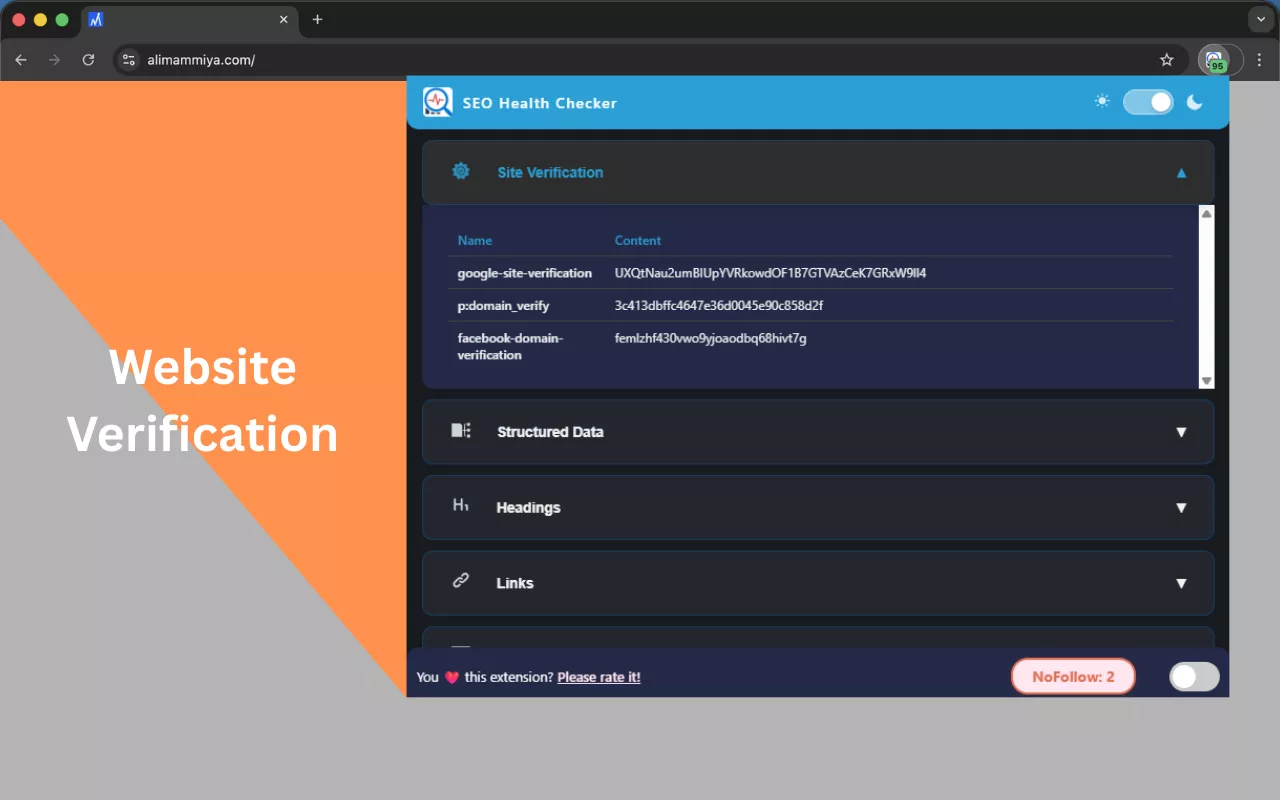
- CMS & Generator Meta Info- This tag reveals the specific content management system and website builder used.
Open Graph (Facebook/Social Sharing)
These tags set how a page looks while being shared on Facebook and other sites that use Open Graph.
- Type of page (article, website, etc.)
- Title, description and URL in the previews
- Featured image, its size, and format
- Details of the publisher and author
This makes it so that social media previews are optimised and consistent.
Twitter (X) Meta Tags
Meta tags that are specific to Twitter set how the content will appear on X (formerly Twitter).
- Type of card (summary, big image, etc.)
- Title and description in the tweet
- Preview image
- Attribution to the author and site
- Extra metadata like reading time
Why This Feature Matters for SEO
- Audit on page SEO elements
- Locate missing or duplicated meta tags
- Increase visibility at search engines and increase the Click-Through Rate
- Set previews of links on social media
- Spend less time while reviewing content and while doing SEO audits